meter & progress
The progress element is the semantically correct way of displaying progress bars.
The meter element is progress on steroids. Apart from displaying a scalar measurement within a known range, it allows
you to specify the value's low, high & optimum range.

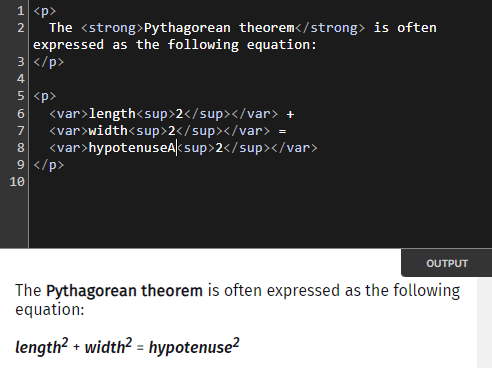
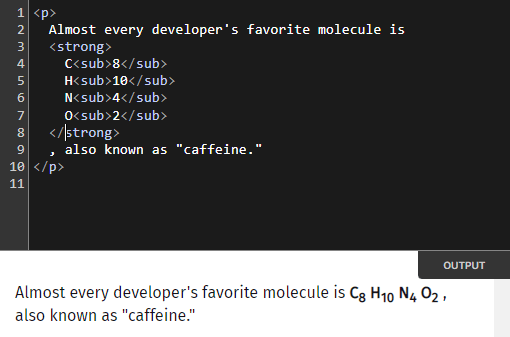
sup & sub
You can add superscripts (like x²) with sup and subscripts (like x₀) using sub to your document.
datalist
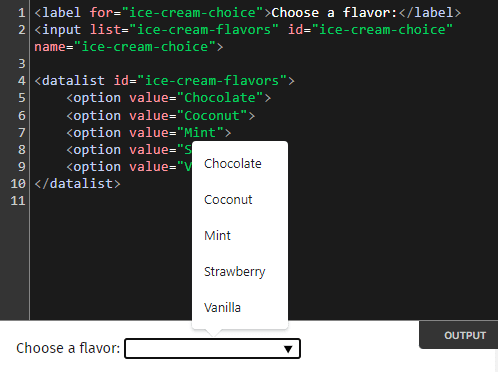
datalist allows you to add an autocomplete suggestions to your input elements.
Note
- The suggestions are NOT LIMITED to text inputs, but can be used with color, date, time, and even range inputs.
- The default styling of the suggestions is unpleasant to look at, to say the least. But, you can always style it using CSS.
map & area
map and area allow you to create image maps, which is a fancy term for images with clickable areas.
details & summary
details and summary are used to create collapsible content without using any JavaScript. It's the semantic method of
creating dropdowns.

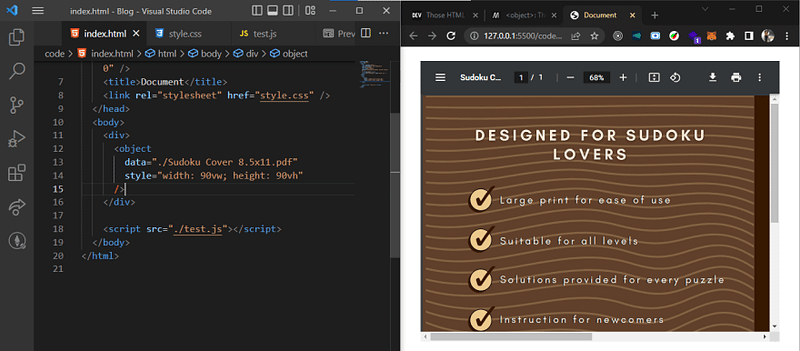
object
Pulling your hair out to embed files on your website? Look no further!
object allows you to embed a wide range of files like PDFs, images, videos, audio and even Youtube videos.
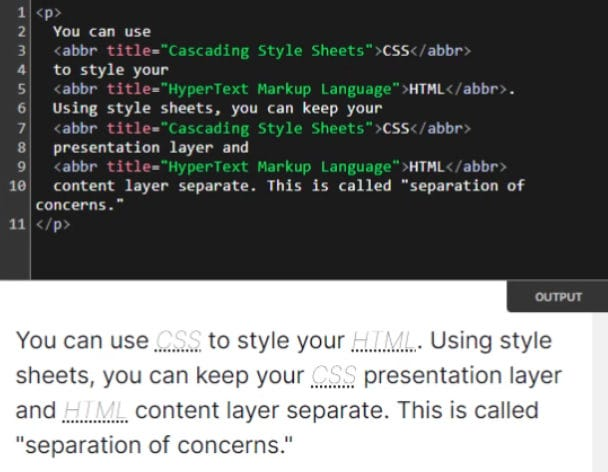
abbr
The abbr element allows you to add abbreviations to your document. When the user hovers over the abbreviation, the full
form is displayed. Moreover, screen readers can also be configured to read out the full form when an abbreviation is
encountered.